# 📝 tslog: Beautiful logging experience for TypeScript and JavaScript
[](https://www.typescriptlang.org)

[](https://www.npmjs.com/package/tslog)

[](https://codecov.io/github/fullstack-build/tslog?branch=master)
[](https://github.com/prettier/prettier)
[](https://github.com/sponsors/fullstack-build)
[](https://github.com/fullstack-build/tslog)
> Powerful, fast and expressive logging for TypeScript and JavaScript
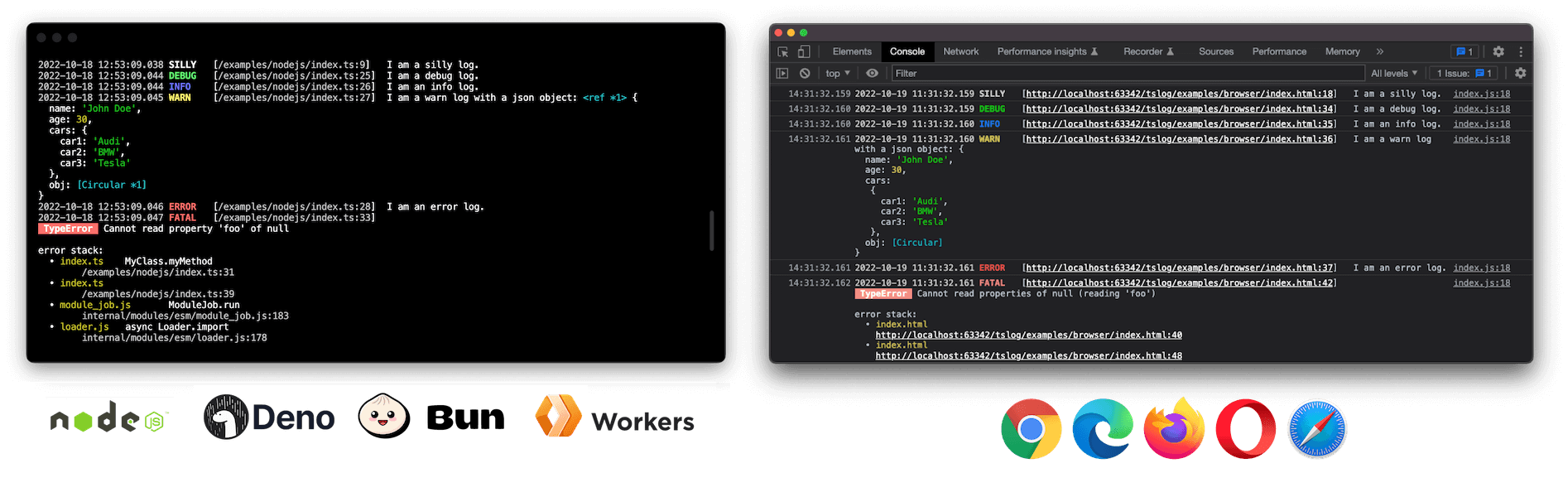
## Highlights
⚡ **Fast and powerful**
🪶 **Lightweight and flexible**
🏗 **Universal: Works in Browsers, Node.js, Deno and Bun**
👮️ **Fully typed with TypeScript support (native source maps)**
🗃 **_Pretty_ or `JSON` output**
📝 **Customizable log level**
⭕️ **Supports _circular_ structures**
🦸 **Custom pluggable loggers**
💅 **Object and error interpolation**
🤓 **Stack trace and pretty errors**
👨👧👦 **Sub-logger with inheritance**
🙊 **Mask/hide secrets and keys**
📦 **CJS & ESM with tree shaking support**
✍️ **Well documented and tested**
## Example
```typescript
import { Logger, ILogObj } from "tslog";
const log: Logger = new Logger();
log.silly("I am a silly log.");
```
## [Become a Sponsor](https://github.com/sponsors/fullstack-build)
Donations help me allocate more time for my open source work.
[](https://github.com/sponsors/fullstack-build)
## Install
```bash
npm install tslog
```
### Node.js
Enable native ESM by setting `"type": "module"` and run Node with source maps for accurate stack traces:
```json5
{
"name": "NAME",
"version": "1.0.0",
"type": "module",
"scripts": {
"build": "tsc -p .",
"start": "node --enable-source-maps dist/index.js"
},
"dependencies": {
"tslog": "^4"
}
}
```
After building (`npm run build`), start your app with:
```bash
npm start
```
Other handy entry points:
- `node --enable-source-maps dist/index.cjs` – run the CommonJS bundle.
- `node --enable-source-maps --loader ts-node/esm src/index.ts` – execute TypeScript via `ts-node` in ESM mode.
- `node --enable-source-maps --require ts-node/register src/index.ts` – execute TypeScript via `ts-node` in CommonJS mode.
### Deno
```ts
// main.ts
import { Logger } from "npm:tslog";
const logger = new Logger();
logger.info("Hello from Deno");
```
```bash
deno run main.ts
# grant optional metadata access: deno run --allow-env main.ts
```
### Bun
```ts
// main.ts
import { Logger } from "tslog";
const logger = new Logger();
logger.info("Hello from Bun");
```
```bash
bun run main.ts
# or add "dev": "bun run src/main.ts" to package.json scripts
```
Browser:
```html
tslog example
Example
```
**Enable TypeScript source map support:**
This feature enables `tslog` to reference a correct line number in your TypeScript source code.
```json5
// tsconfig.json
{
// ...
compilerOptions: {
// ...
"inlineSourceMap": true, //